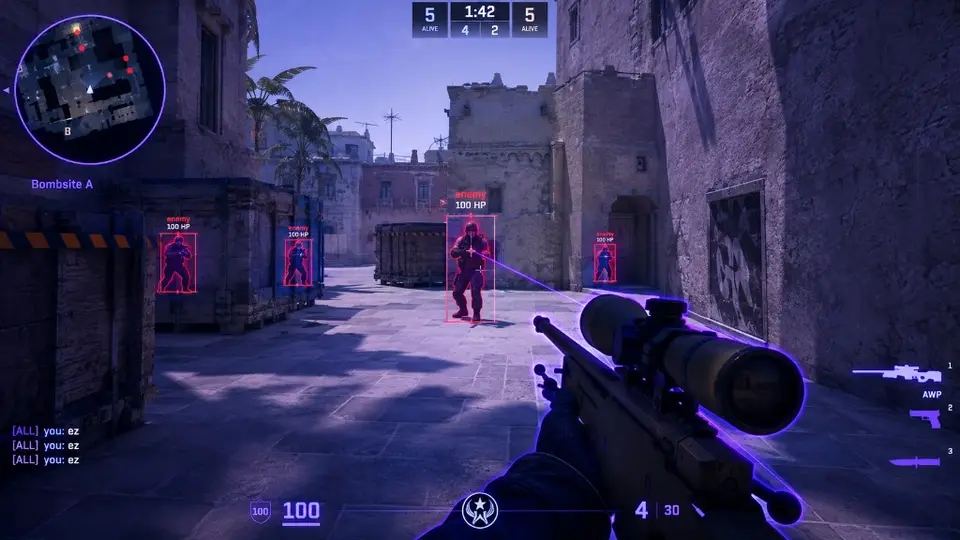
Counter-Strike 2 · PC
CHEATS CS2:ESP, Aimbot & Overlay for FACEIT
CS2 cheats with ESP, aim control, and overlay tools for PC — tuned for FACEIT lobbies, updated after patches, with preset configs and help at cheatscs2.org.
FACEIT buildSoft aim readyPlayer ESPStream-safe overlaySkeleton ESPMini radar24/7 supportInstant deliveryFACEIT buildSoft aim readyPlayer ESPStream-safe overlaySkeleton ESPMini radar24/7 supportInstant delivery
How it works
From status check to a saved config.
A straight path from reviewing FACEIT compatibility to a profile you can reuse.
4 easy steps
-
01
Check current status
Read the feature status on the product page after any CS2 or FACEIT client update.
-
02
Choose monthly or lifetime
Pick a plan on the price page, then continue to checkout for instant delivery.
-
03
Follow Windows PC instructions
Use the loader and menu notes for the FACEIT build. Insert opens the overlay in-game.
-
04
Save a conservative profile
Enable the ESP and radar options you can actually read, then save the config under Misc.
Counter-Strike 2 patches often, so check the live status on the product hub before you load a build. A Ready label means the FACEIT-oriented menu, ESP, and aim tabs match the current game client; Updating means wait for the rebuild email instead of forcing an old file.
Pick monthly or lifetime access on pricing, pay once, and the delivery message arrives in minutes with a download link and loader notes. Install on Windows 10 or 11 only—this license targets PC clients, not console. Follow the setup forum for antivirus exclusions, Visual C++ prerequisites, and Insert hotkey checks in an offline practice lobby.
Open the overlay with Insert, enable the smallest set of visuals you can still read, add mild aim smoothing if you need it, and save a named profile under Misc. Counter-Strike 2 itself is installed through Steam; cheatscs2.org is an independent software site and is not affiliated with Valve or Steam.
Key features
ESP, aim control, and radar in one build
Player ESP highlights enemies with boxes, health, armor, optional skeleton lines, and distance tags so you can hold angles on Active Duty maps without constant tabbing. Most players keep skeletons off on tight indoor sites and rely on boxes plus audio.
The aimbot tab emphasizes smooth aim, FOV caps, bone targets, and visible checks—settings you can tune down when you record clips or play long sessions. Pair a narrow FOV with crosshair placement practice so movement still looks natural.
A lightweight radar and wall-distance readouts cover spacing in retakes and lurk routes. Stream-safe toggles hide overlay elements when you capture footage. Saved configs let you swap between a quiet default and a louder execute preset. These tools are documented for third-party platforms such as FACEIT; read the ESP page and aimbot page before changing defaults.
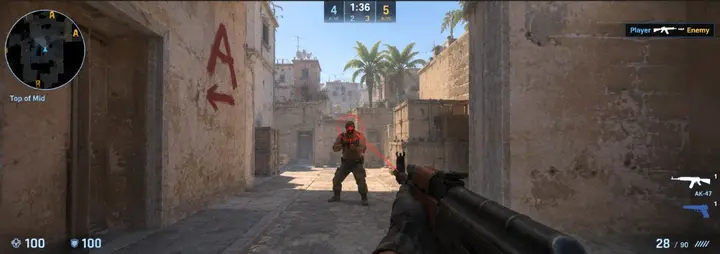
Aim that you can turn down
Smooth aim, a FOV limit, bone choice, and a visible check. Tight FOV is the setting people argue about.
Aimbot module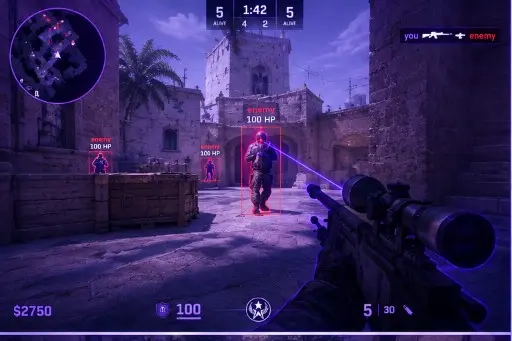
A picture of the player
Box, skeleton, glow, health, armor, and distance. The skeleton is the one most people switch off indoors.
ESP module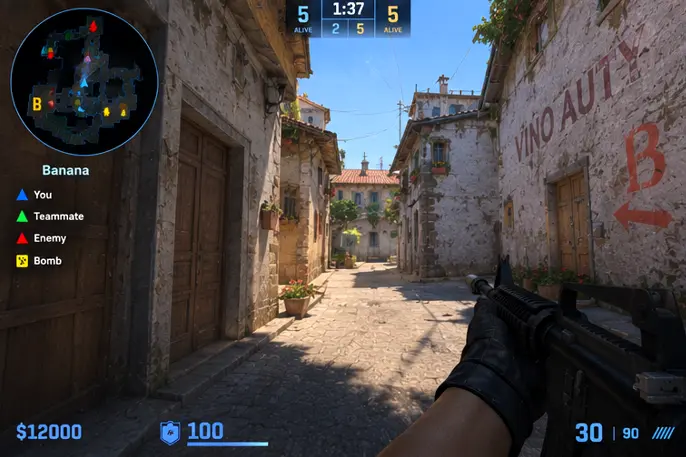
Distance and a small radar
The overlay side: who is past the wall, how far, and a radar that does not need the whole screen.
Radar overlay